Hatchtime
English

Block distracting sites and grow a monster while you focus

Hatchtime is a Chrome extension. Start a focus, and the sites on your list show “Not now!” until the timer ends. Every minute you stay goes to the egg in the nest. After 25 minutes, it hatches.

Coming soon to the Chrome Web Store

Free. No account. Nothing leaves your browser.

Hatchtime works in Chrome on a computer.
Egg 25 more minutes and it hatches

Drag the slider to add focus time.

How a focus session goes

  1. Make a list of the sites that pull you away

    Eleven usual suspects are on it from the start. Remove any, add your own. Blocking a site blocks its subdomains too.

  2. Pick a length and start

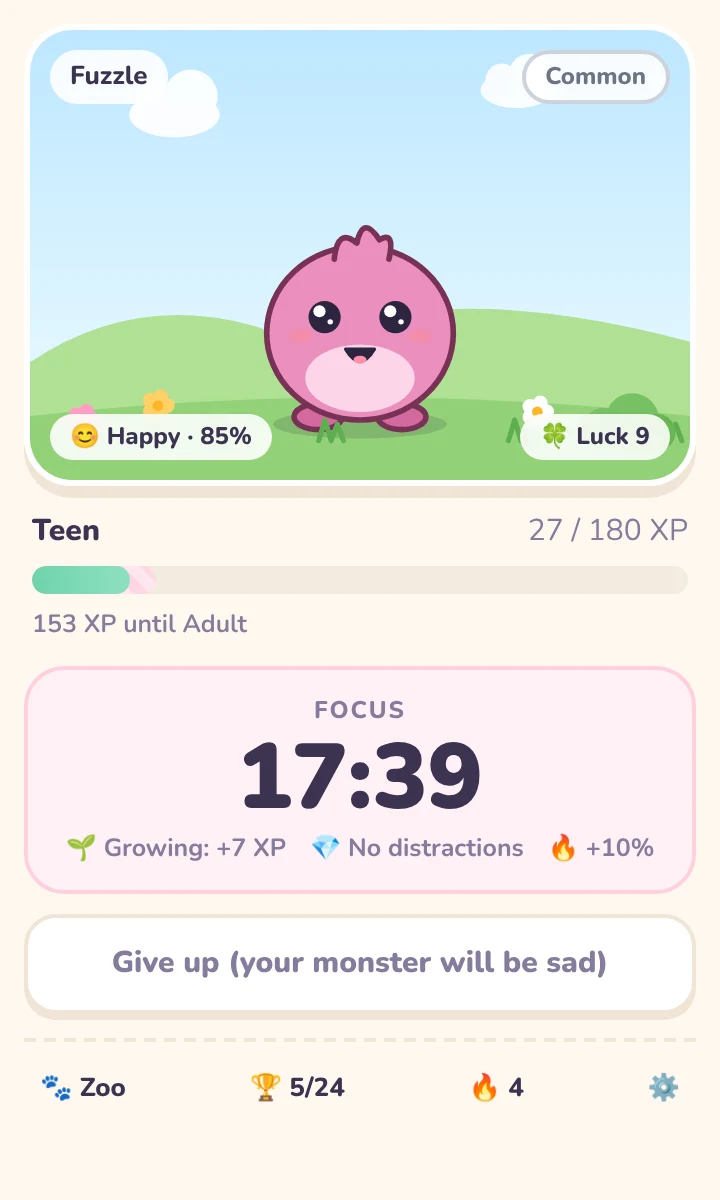
    15, 25, 45 or 60 minutes, or your own default of up to 4 hours. The minutes left show on the toolbar icon.

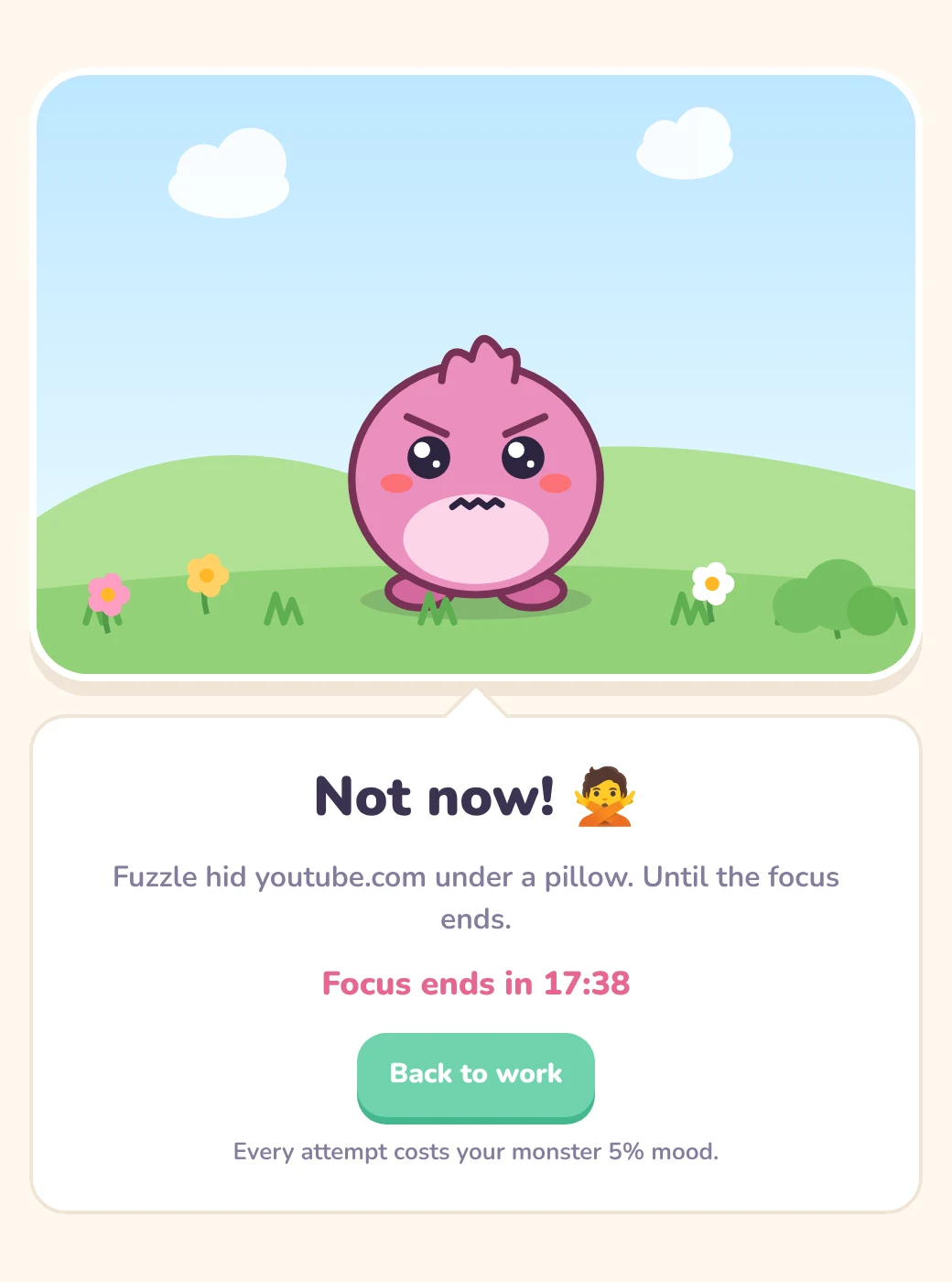
  3. Try to sneak off, and get “Not now!”

    A blocked site opens a page with your monster instead. Each attempt costs it 5% of its mood.

  4. Finish, and the minutes turn into XP

    One minute is one XP. A session without a single attempt to sneak off gets 25% more.

The Hatchtime popup during a focus: a teenage monster in a meadow, 18 minutes left and 7 XP growing The “Not now!” page that replaces a blocked site, with the monster looking at you

The rules, in numbers

There are no hidden mechanics. This is all of it.

1 XP
for every minute of focus.
+25%
for a session with no attempts to open a blocked site.
+5%
for each blocked site you actually opened in the last 7 days, up to +25%. Sites you never visit add nothing, so padding the list doesn’t help.
25–90 min
until an egg hatches. Common eggs need 25 minutes, legendary ones 90.
−5%
mood for every attempt to open a blocked site. Giving up costs 20% and the minutes of that session. Finishing gives back 15%.
1 in 16
monsters hatch shiny.

Strict mode. Once a focus starts, it can’t be stopped, and sites can’t be removed from the list until the timer ends.

Ten monsters to find

You never know what’s in the next egg. Rarer eggs take longer to hatch. Every achievement and every day of your streak adds luck, and luck makes rare eggs more likely.

What it can see, and what it keeps

When you install Hatchtime, Chrome warns that it can read and change data on all websites. It needs that to block any site you put on your list and to show your monster in the corner of the page during a focus.

It remembers only the sites from your own list: the address and when you last opened it, for 14 days. Nothing about other sites, nothing about the pages you read.

It makes no network requests. There is no account, no analytics and no ads. Your monster and your statistics stay in your browser.

Read the privacy policy

Questions

Is it free?

Yes. There is no paid version and no account.

Does it work on my phone?

No. Hatchtime is a Chrome extension for computers: Windows, macOS, Linux and ChromeOS. On a phone, you can send yourself the link and install it later.

What if I really need a blocked site during a focus?

Give up the session in the popup. Your monster loses 20% of its mood, and the minutes of that session don’t count. With strict mode on, there is no give-up button.

Does my monster suffer if I take a few days off?

No. Nothing changes while you’re away. Its mood drops only when you try to open a blocked site or give up. Your day streak starts over, though.

What happens when it becomes a legend?

You send it to your zoo, and a new egg appears in the nest. Legends stay in the hall of legends with the date they moved in.

Can I block any site?

Yes, up to 300 sites. Type an address like youtube.com and its subdomains are blocked too.

Ten hours of focus make a legend

That’s 605 minutes for a common egg. The first one hatches after 25.

Coming soon to the Chrome Web Store

Free. No account. Nothing leaves your browser.

Hatchtime works in Chrome on a computer.